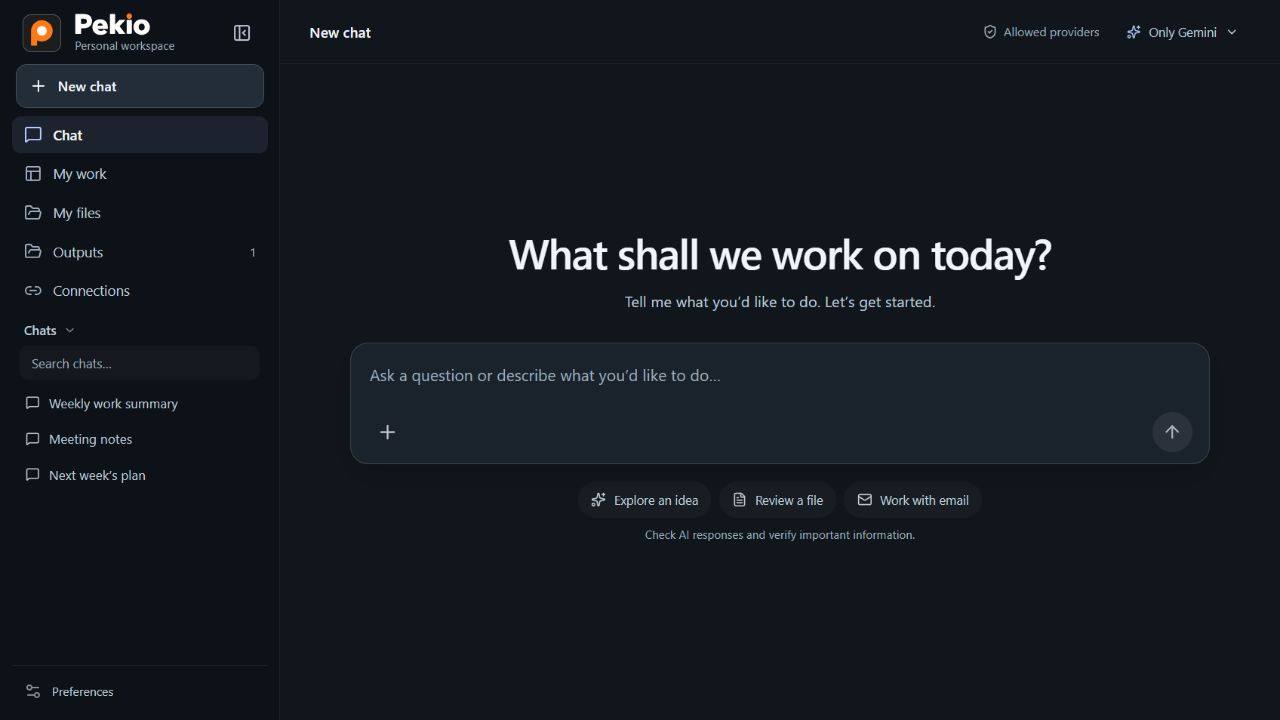
Different providers. One workspace.
Connect supported models from providers such as Gemini and DeepSeek through their APIs. Choose the model that suits the task.
Ask a question, explore an idea or describe a task. Pekio is your AI work assistant for turning conversations into progress on documents, spreadsheets and email.
You choose the AI. Use supported models from different providers or connect a compatible model running on your organization’s own infrastructure.


Using Pekio doesn’t tie you to a single AI provider. Choose a model that fits your work and infrastructure, and keep your conversations and tasks in one workspace.
When the model and related processing stay within your infrastructure, you can work without sending your content to an external AI provider.
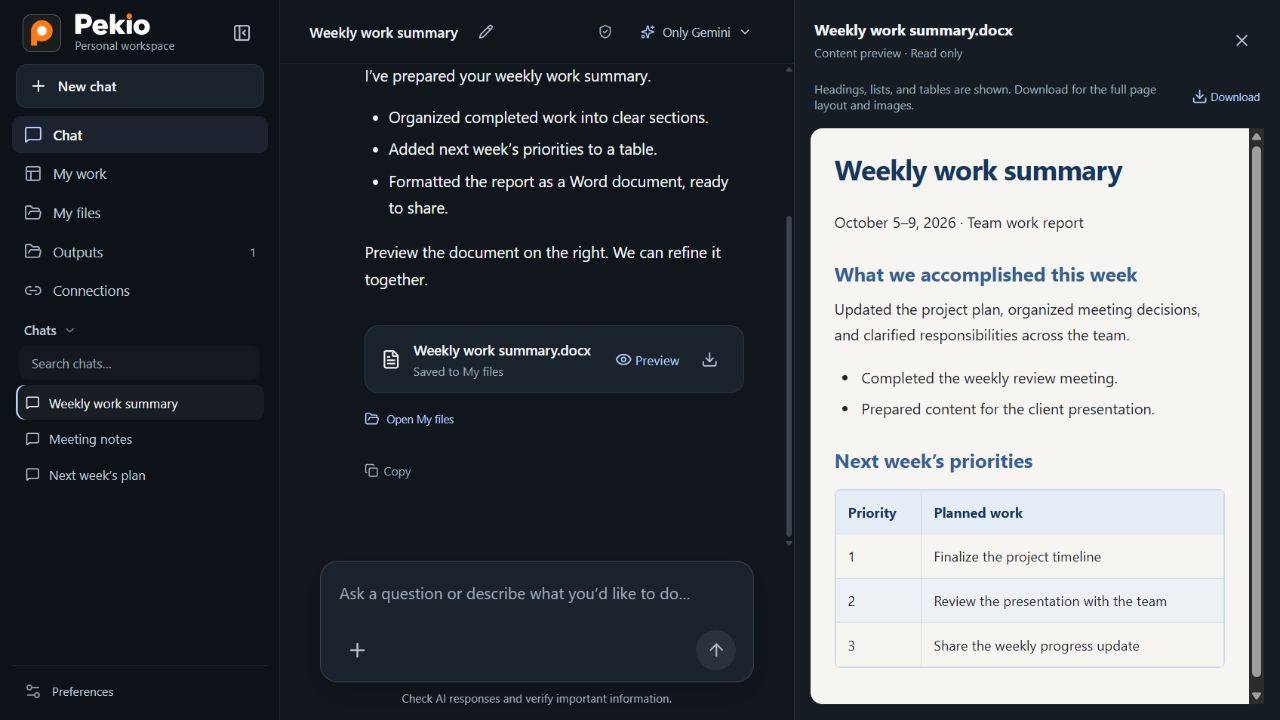
Watch a weekly work summary become a Word document. Review the result alongside your conversation, download it or keep chatting to refine it.
Built for work across roles and departments. Start by describing what you need. Here are three everyday examples.
“Review these documents and bring the key points and open questions together in a report.”
“Organize this Excel data, compare the figures and put the results in a separate file.”
“Use this email thread to draft a reply and list the things I need to follow up on.”
Talk directly with your chosen model to ask questions, explore ideas and draft content.
Work with relevant files and bring folder contents into the task.
Review documents, process spreadsheet data and prepare new output files.
Summarize threads and prepare reply drafts and follow-up lists.
Describe recurring tasks in conversation, turn them into reusable workflows and start them with triggers.
Chat, Excel and Word tasks, PDFs and files, email, workflows with triggers and API connections—including on-premises models—work in the development environment. Pekio is not publicly available yet.
A Windows EXE for working on your local computer, user interface automation and support for running models directly on your computer.
Tell us about the task, the AI you use or the on-premises connection you need. Let’s explore your use case with LubaWorks.